Is this an actual walkthrough?
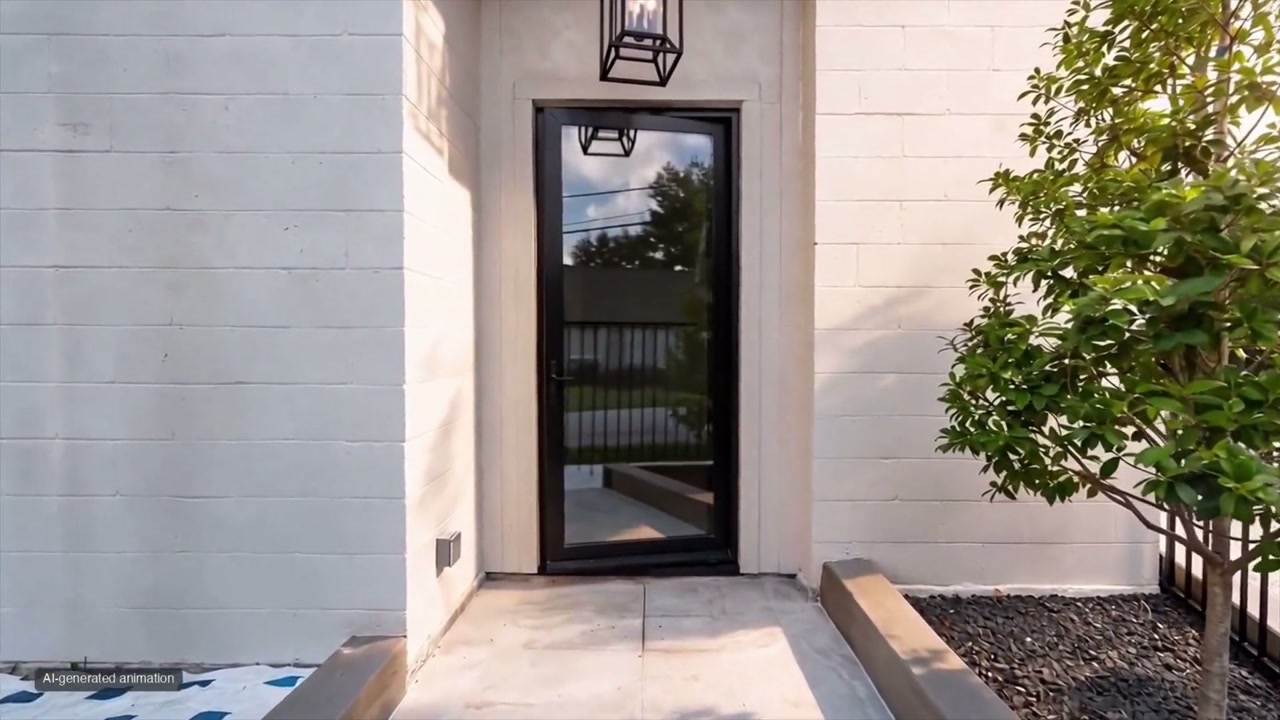
It is a film made from your photographs. Pan + zoom moves over the existing image. For AI packages, AI creates camera movement and parallax to suggest a walkthrough; it is not newly filmed footage or a measured 3D tour. We review for changes to the property before delivery.
Can you add close-ups without inventing details?
Yes. Turn on Detail close-ups, then choose up to three visible features in your source images. We crop the actual image and simulate shallow depth of field with background blur. With Furniture arrives enabled, a staged room can instead end its continuous shot on AI-generated furnishing textures; those details are explicitly labeled virtual. Source-crop close-ups add no new surfaces, but cannot recover missing texture or prove the property’s condition. Each detail shot is labeled.
Can the furniture move into the empty room?
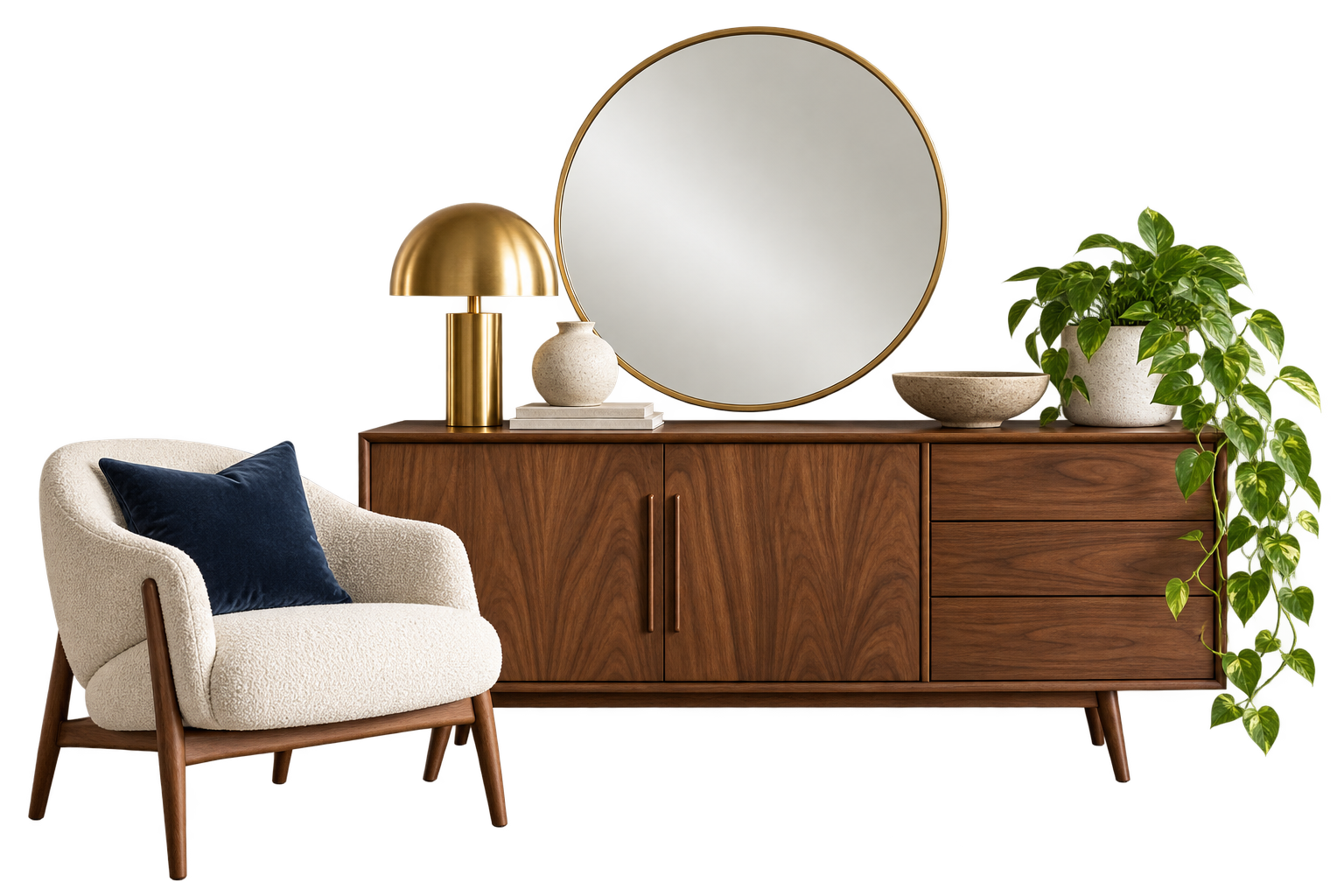
Yes. Choose Stage + animate and enable Furniture arrives. Confirm which source rooms are empty, then select a bed, sofa or dining-table destination. Furnishings gently float and slide into place in a continuous 8-second shot. Add a shallow-focus finish on up to three staged furnishings. AI can make visual errors; the studio compares every shot with the original room before release.
Can I choose the staging style?
Yes. Pick a style and color theme, or let the studio choose. Add notes for individual rooms—such as a lived-in child’s room or a navy-and-ivory bedroom. Staging aims to retain the existing architecture and fixed features.
How do the animations get made?
Pan + zoom uses our video renderer without Grok or any generative image service. Our AI portfolio examples were made through Grok’s browser interface. The production system is built to submit the photos and camera instructions to xAI’s generation API, track the results, and assemble the film. Automated generation is still being connected and tested during this preview.
What if the listing website blocks the photos?
Upload the original photos as a ZIP instead. You review the imported images before payment, so you stay in control of the shots used.
What comes in the two editions?
The MLS edition leaves out agent contact details. The branded edition includes the name, phone, and brokerage you provide. Check your destination’s advertising and media requirements before publishing.
Can I change something later?
Minor changes to titles, contact details, or soundtrack timing are $10. Changing camera movement or making a new staging or animation pass for one room is $20. If the studio made a mistake, request a correction for free review.